Convert and compress images
PNG, JPG, WebP, GIF, BMP and ICO (and AVIF if your browser can write it). Compress by quality or down to the size you need, and see how much each file saved.
AIM Utilities
Convert and compress images, remove the location from your photos, create favicons, GIFs and QR codes, and trim video and audio. Twenty-two quick tools that work in your browser: your files are never uploaded anywhere.
Free, no sign-up, no card.
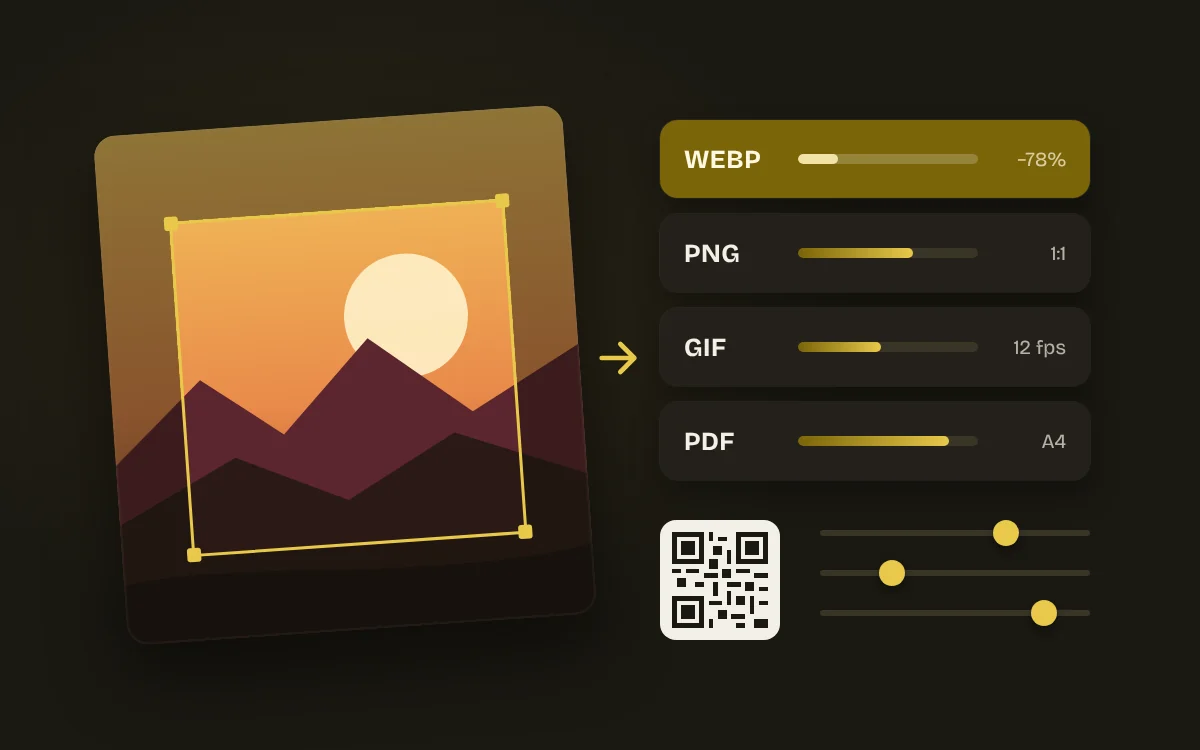
For designers, content creators, web developers and anyone who needs a file ready without opening an editor.
AIM Utilities works in your browser: your files never leave your computer.
What you export with AIM Utilities comes out clean, with no watermarks.
No account and no card: open AIM Utilities and get started.
PNG, JPG, WebP, GIF, BMP and ICO (and AVIF if your browser can write it). Compress by quality or down to the size you need, and see how much each file saved.
Resize by dimensions, percentage or fixed social formats, crop to 1:1, 4:5, 16:9 and more from the position you choose, and straighten or flip photos.
Erase the GPS location, camera, date and other metadata from JPG, PNG and WebP without re-compressing the image, and see what was there before it goes.
Sign your images with your text or logo, combine them in a collage or gather them into a PDF on A4, Letter or at their own size.
From one image, every icon your website needs (ICO, PNG, mobile and manifest) with the code to paste; and the main colours of any image as HEX and CSS.
Turn a clip into a GIF, trim it and save it as MP4 at the resolution you want, remove the sound, extract the audio or capture frames as PNG. If your browser can't encode MP4, it saves WebM and tells you.
Convert to WAV, trim with fades, normalise loudness (LUFS) or peak without clipping and change the speed while keeping the pitch.
QR codes for links, Wi-Fi, email or phone with your colours and logo, as PNG and SVG; and files to Base64 (data URI) and back.
AIM Utilities runs inside your browser: it opens and saves on your computer. Your files are never uploaded to a server and nobody else sees them.
AIM CREATE belongs to Biomag, a Spanish technology company since 1987. The website and accounts run on servers in the European Union.
Not even on the free plan: what you export is yours, as it is, and video goes up to 4K.
Free forever. CREATE Plus is optional: €1.99 a month on the yearly plan (€23.88 a year) or €2.49 a month paid every 6 months, VAT included.
No. Every tool works in your browser: your files never leave your device.
Yes: most tools accept several files and let you download them one by one or all together in a ZIP.
No. For JPG, PNG and WebP the metadata blocks are removed without re-compressing the image. You can keep the colour profile if you like.
MP4 (H.264) if your browser can encode it, otherwise WebM. The tool tells you which before you start.