The pen, just as you expect
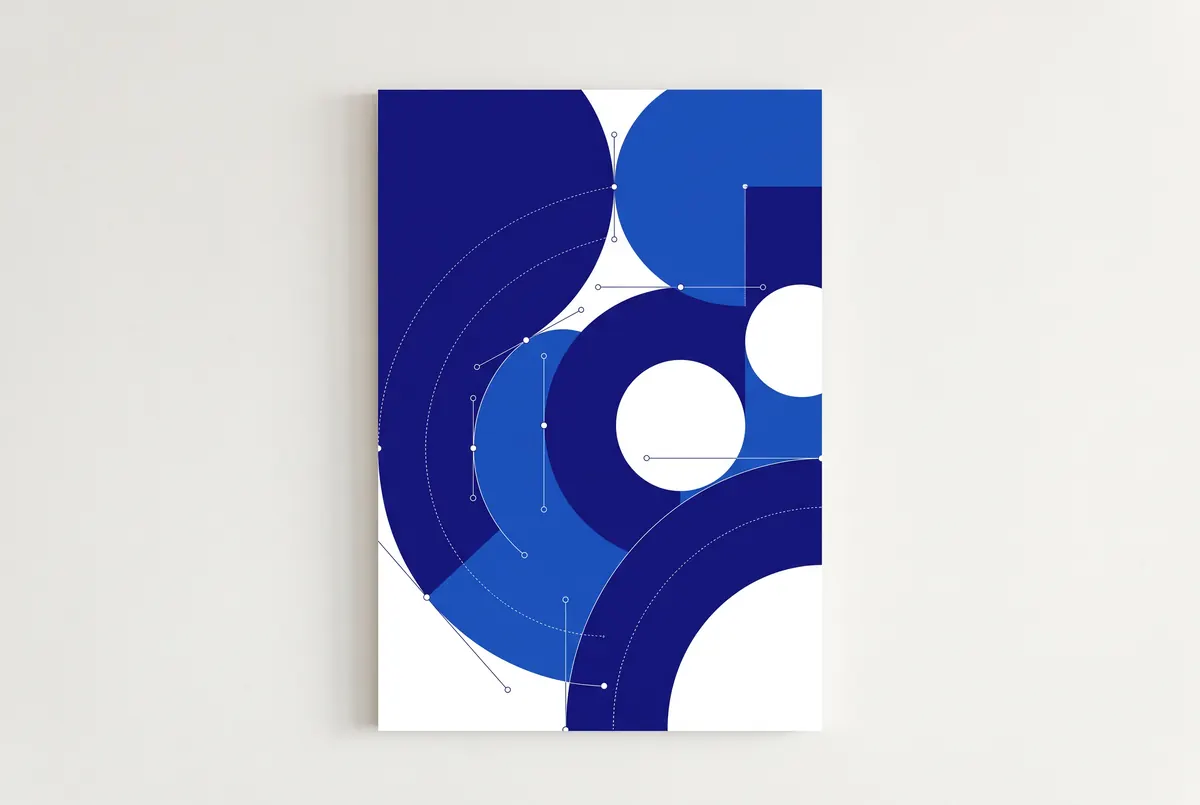
Precise Bézier curves, anchor point and handle editing, and shape tools to build any path.
AIM Vector
Draw with the pen, build shapes, colour with gradients and meshes and prepare every piece for screen or print. Open your AI, PDF, EPS and SVG files and keep working, in the browser.
Free, no sign-up, no card.
For graphic designers, illustrators and studios creating identities, icons and print work.
AIM Vector is free and complete, with no time limit and no card.
AIM Vector opens AI, PDF and SVG directly, with nothing to convert first.
AIM Vector opens in a browser tab: nothing to download, install or update.
Precise Bézier curves, anchor point and handle editing, and shape tools to build any path.
Unite, subtract and intersect with path operations and the shape builder: a few shapes become a logo.
Gradients, gradient meshes, live paint and colour harmonies to recolour a whole illustration in seconds.
Art brushes and the width tool for strokes that breathe, and type that follows any path.
Trace an image or a scanned sketch and turn it into clean, editable paths.
Artboards for every version of an identity, and symbols to repeat elements and change them all at once.
Bar, line and pie charts from your data, styled like the rest of your design.
Own format: AIM Vector .aimvector
AIM Vector runs inside your browser: it opens and saves on your computer. Your files are never uploaded to a server and nobody else sees them.
AIM CREATE belongs to Biomag, a Spanish technology company since 1987. The website and accounts run on servers in the European Union.
We measure real AI files in our quality tests: the export is compared with the original before every release.
Not even on the free plan: what you export is yours, as it is, and video goes up to 4K.
Free forever. CREATE Plus is optional: €1.99 a month on the yearly plan (€23.88 a year) or €2.49 a month paid every 6 months, VAT included.
Yes, as well as PDF, SVG, EPS, DXF and EMF. It saves to AI, PDF, SVG and EPS, among others.
Yes: work with print colours and export production-ready PDF.
No. AIM Vector runs inside your browser.